
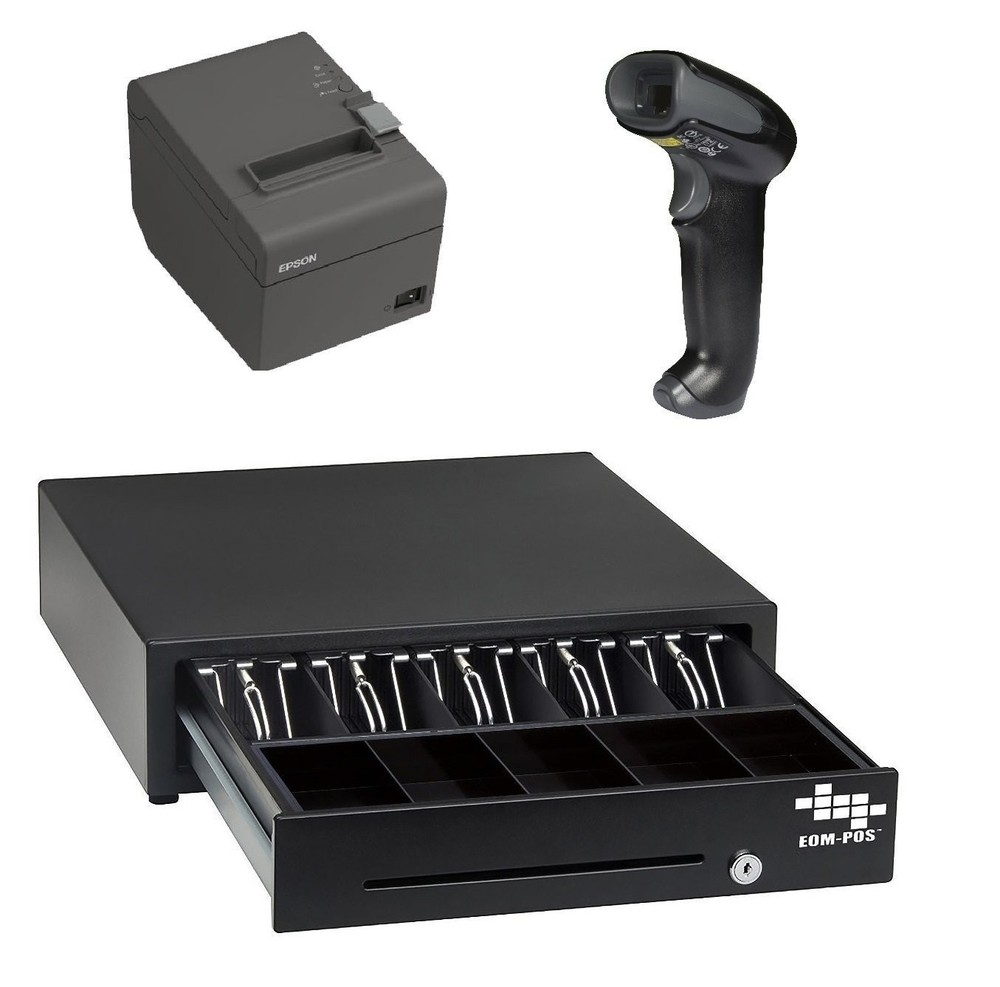
POS Hardware Bundle for Square – Cash Drawer, Thermal Receipt Printer, and…
USD 379.99 USD
Specifications
| Brand | EOM-POS |
| Type | Simple |
| MPN | SQ3 |
| UPC | 639790802640 |
Setup: 1: In the Square app, go to SETTINGS. 2: Select HARDWARE. 3: Select PRINTERS. 4: Select ASSIGN. 5: Select CREATE NEW PRINTER PROFILE. 6: Enter any name for the profile. 7: Select RECEIPTS. 8: Turn the receipts option ON. 9: Go back and select SAVE.
Related Items
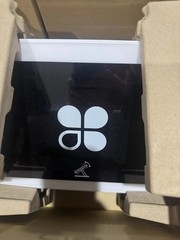
NEW Clover Station Duo System X503 Station Duo Hub
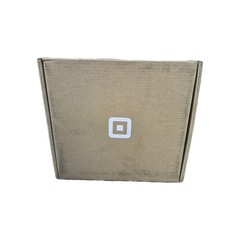
Square Stand Bundle w/ Reader & Dock, New Sealed Box, POS iPad Payment Stand
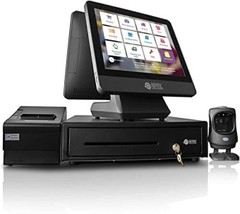
NRS Cash Register(USA ONLY)-POS System Bundle ONLY-No Merchant Account Required
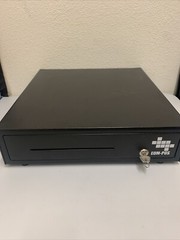
EOM-POS Cash Drawer * Includes Key & Bill Marker EOM-100
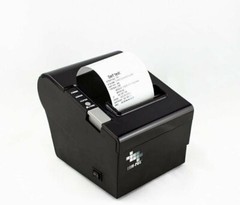
EOM-POS Thermal Receipt Printer – USB, Ethernet/LAN, & Serial Ports – Auto…
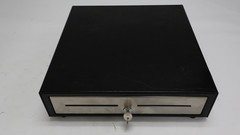
NCR Cash Drawer Model 2186-6400-9090 Black POS Hardware – Used
Castles Technology Saturn 1000E-UPT Unattended Android POS Terminal
Square Terminal Customer Display Card Reader Screen Plate Model SPS4-01 POS