
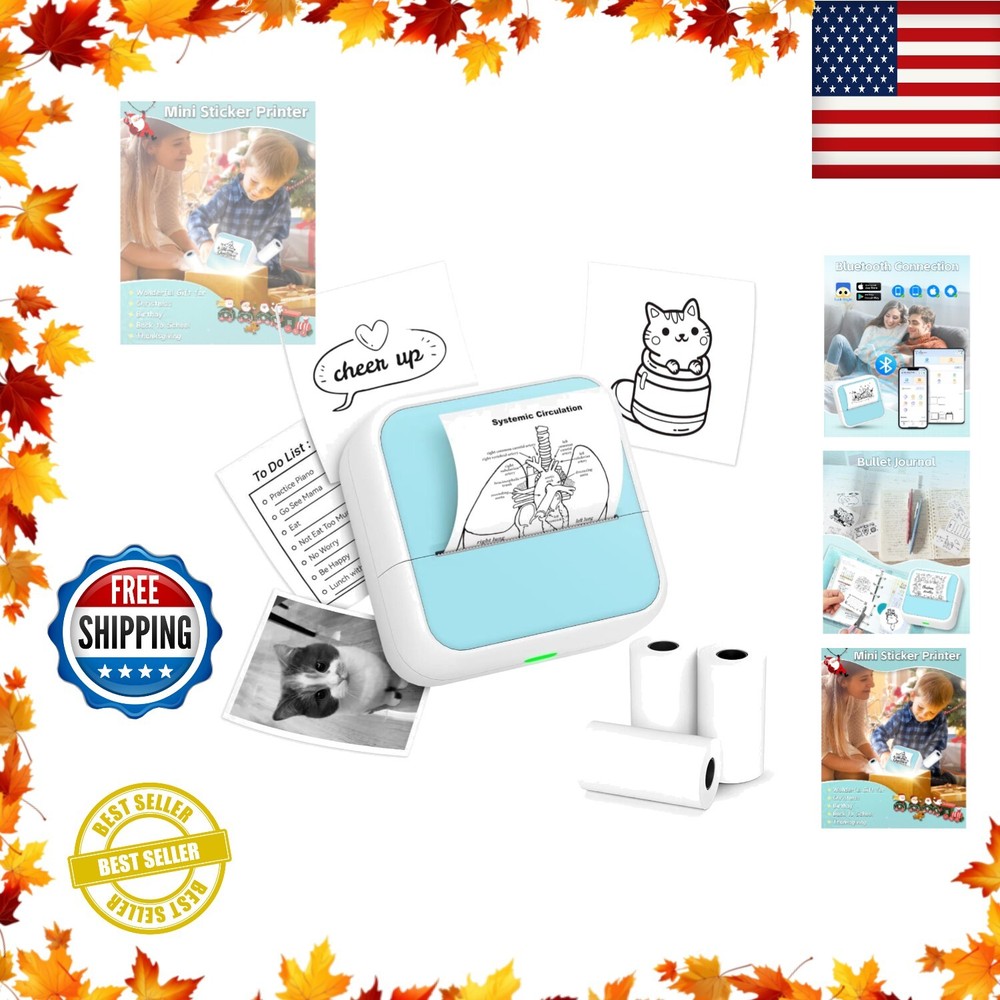
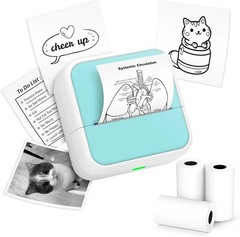

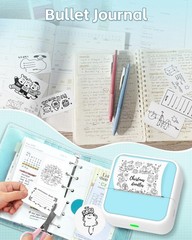
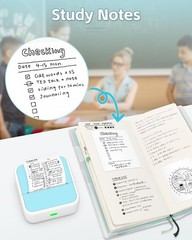

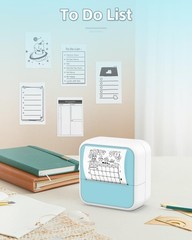
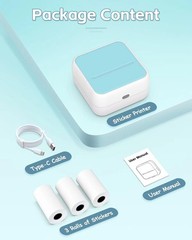
Phomemo Sticker Printer – Printpods Mini Printer with Stickers, Print Pod Xmas
USD 21.49 USD
Specifications
| Compatible Devices | Smartphones |
| Shape | cube |
| Closure | Sticker printer |
| Inside Pockets | Sticker printer |
| Specific Uses For Product | Home |
| Included Components | Labels |
| Size | Mini |
| Sheet Size | 2 In Inches |
| Material Type | plastics |
| Max Copy Speed (Black & White) | 15 ppm |
| Print Media | Labels |
| Duplex | simplex |
| Additional Printer Functions | Print Only |
| Maximum Media Size | 2 In |
| Scanner Type | Photo, Portable |
| Warranty Type | Limited Warranty |
| Ink Color | Black |
| Cover Material | plastics |
| Control Method | App |
| Maximum Black And White Print Resolution | Very High |
| Max Copy Resolution Black-white | 300 dpi |
| Printer Ink Type | Thermal |
| Hardware Interface | Bluetooth |
| Color | Light Blue |
| Paper Size | 2 In |
| Item Dimensions D X W X H | 1.5"d X 3"w X 3"h |
| Controller Type | Ios, Android |
| Brand | phomemo |
| Type | Sticker Printer |
| Features | Portable, Sticker Maker |
𝑯𝒐𝒘 𝒕𝒐 𝑷𝒓𝒊𝒏𝒕: 1. Long press the power button to turn on 2. Connect the printer in the Lucky Jungle App 3. Select the corresponding printer model 4. Input your content - Print. 𝑴𝒊𝒏𝒊 𝑷𝒓𝒊𝒏𝒕𝒆𝒓 𝒘𝒊𝒕𝒉 3 𝑹𝒐𝒍𝒍𝒔 𝒐𝒇 𝑺𝒕𝒊𝒄𝒌𝒆𝒓𝒔: Incorporates unique sticker printing capabilities, allowing you to create a variety of stickers with ease.
Related Items
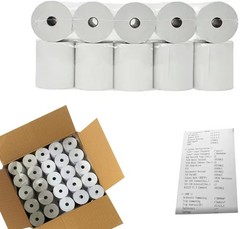
3″ x 165′ 1 Ply Bond (Non-Thermal) Receipt Paper – POS Cash Register Paper
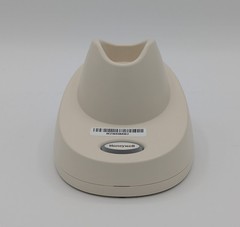
Honeywell Xenon XP 1952H-BF Charging and Com Bluetooth cradle CCB12-010BT-HC-N
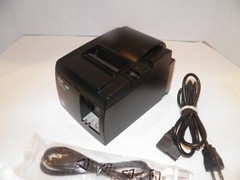
Star TSP100 Model 143IIU Thermal POS Receipt Printer USB w Power Cord 143IIU
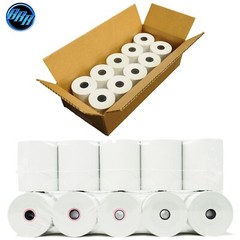
POS 10 Rolls 3 1/8″ x 230′ Thermal Receipt Paper BPA free cash register rolls
Shrink-Wrapped 50 Rolls of Thermal Paper – 2 1/4 x 85 ft for Hassle-Free Storage
Thermal Receipt Printer, 80mm Receipt Printers, Thermal Pos Printer with Auto…
NETUM Mini Barcode Scanner Bluetooth Small Portable USB Bar Code Green C740
Verifone E355 Bluetooth Wi-Fi Mobile Payment Terminal M087-351-11-WWA New