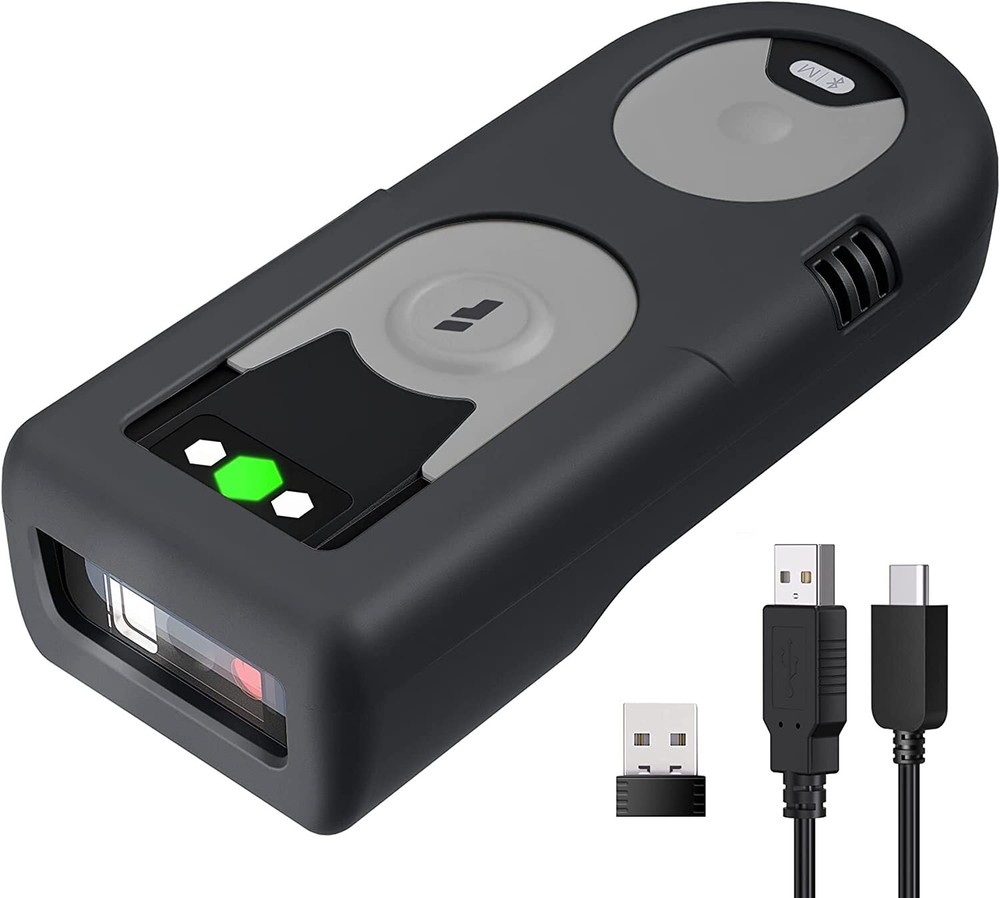

Bluetooth Scanner 1D Barcode Scanner 2.4Ghz USB Adapter Exclusive Shortcuts
Specifications
| Return Shipping Will Be Paid By | Buyer |
| All Returns Accepted | Returns Accepted |
| Item Must Be Returned Within | 14 Days |
| Refund Will Be Given As | Money Back |
| Manufacturer Warranty | 1 Year |
| Brand | Inateck |
| EAN | 6972085132003 |
| UPC | 6972085132003 |
| Connectivity | Wireless |
| MPN | BCST-43 |
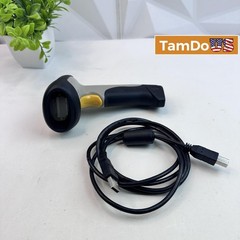
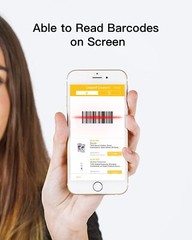
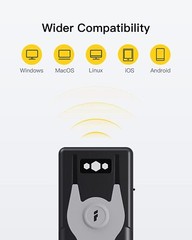
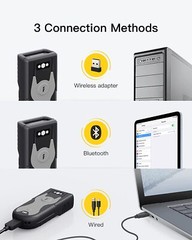
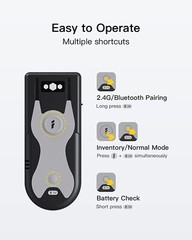
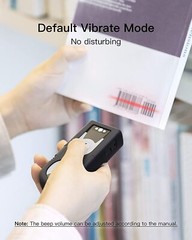
Inateck Bluetooth Scanner 1D Barcode Scanner 2.4Ghz USB Adapter, Screen Scanning, Exclusive Shortcuts, BCST-43 About this item With the built-in Bluetooth 5.0 module, this Bluetooth scanner can be connected with your mobile phone, tablet and computer. It works with Android, iOS, Windows, Mac OS, Linux, Unix and Chrome OS. It can read all mainstream 1D barcodes on paper and screen, including color barcodes, inverted barcodes and GS1 barcodes. Note: For better decoding speed, some non frequently used barcodes are disabled by default so manual configuration is required if needed. Unlike most scanners, this scanner allows you to press the shortcut buttons to set the frequently used functions such as pairing via Bluetooth/2.4G, entering/exiting inventory mode and checking battery level. 3 Connection Methods: Connected with a computer via the included USB cable for plug and play(no configuration required); connected via the 2.4Ghz USB adapter for wireless mode(paired by default); connected via Bluetooth to work with mobile phones, tablets, etc(manual configuration required). Packing List: BCST-43 *1, Type-C Cable *1, 2.4G Adapter *1, Silicone Protective Case *1, Quick-setting User Guide*1, Instruction Manual *1. Product Description revious page Bluetooth Barcode Scanner Inateck BCST-43 is capable of reading all1D barcodes on paper and screen. Easy to Operate Multiple Shortcuts 2.4G /Bluetooth Pairing: Long press the M button Inventory/Normal Mode Switch: Long press the scanning button and the M button at the same time. Quick Check on Battery Level: Short press the M button. Wireless Adapter/Bluetooth Mode Switch: Long press the M button and switch on the scanner simultaneously. iOS Virtual Keyboard: Long press the scanning button for 3s to invoke it. Supported Barcodes 1D:Codabar, Code 11, Code 128, GS1-128, USPS, FedEx, Code 39, Code 32, Code 93, EAN-8, EAN-13, ISBN, ISSN, MSI, UPC-A, UPC-E, IATA 25, Industrial 25 / Standard 25, Interleaved 25, Matrix 25, China Postal Code, Plessey, Telepen Default Disabled Barcodes:Code 11, Code 32, ISBN, ISSN, MSI, IATA 2 of 5, Matrix 2 of 5, Standard 2 of 5/Industrial 2 of 5, Aztec Code Connection Methods USB Mode: Plug and play. Bluetooth Mode: It can be connected with mobile phone, tablet, laptop, etc 2.4G Adapter Mode: Default mode, adapter included. Wider Compatibility Android, iOS ,Windows, Mac OS, Linux, Rapspberry Pi Long Time Standy Charge once and last for 18 days Multiple Notifications BCST-43 is on the silent and vibrate mode by default. Please manually turn on sound notifications according to the manual If you need. On Feb 7, 2023 at 04:33:25 PST, seller added the following information:
Related Items